









Developer SDKs Developer SDKs
The Enterprise Backbone of Document Processing
Build AI-powered document workflows to create, edit, generate, convert, analyze, and sign documents in mission-critical applications.
Live demosGetting startedStart free trial30-day trial, no credit card required
Licensing
Licensing that stays predictable
Simple terms for long-term document infrastructure.

Transparent Licensing
Transparent pricing with all license costs published online. No "contact us for pricing" or "get a quote" required.

True Perpetual Licenses
The software you license today remains licensed forever. No requirement to remove components when a subscription expires.

Built for Mission-Critical Applications
Trusted in legal, healthcare, insurance, banking, and government environments.
Document Processing
Powerful APIs for developers
Easily integrate TX Text Control into your ASP.NET, ASP.NET Core, Angular, React and JavaScript Web applications using its rich set of classes and components. All the client-side libraries are included.
Blog
Latest insightsAll posts

ASP.NETASP.NET Core
Text Control Proudly Sponsors .NET Conf 2026
Text Control is proud to sponsor .NET Conf 2026, the annual virtual conference bringing together developers, Microsoft engineers, and industry experts from around the world. Taking place November 10-13, 2026, the event celebrates the official launch of .NET 11 and the technologies shaping the future of software development.

ASP.NETASP.NET Core
Introducing TX Sheet Control: Excel Compatible Spreadsheets and Interactive Dashboards
We are pleased to introduce TX Sheet Control, the latest addition to the Text Control product family. TX Sheet Control brings together Excel-compatible spreadsheet editing, a powerful calculation engine, and interactive dashboards. Designed for integration into business applications, TX Sheet Control offers a combination of familiar spreadsheet functionality and new ways to organize, explore, and present workbook data.
ASP.NETASP.NET Core
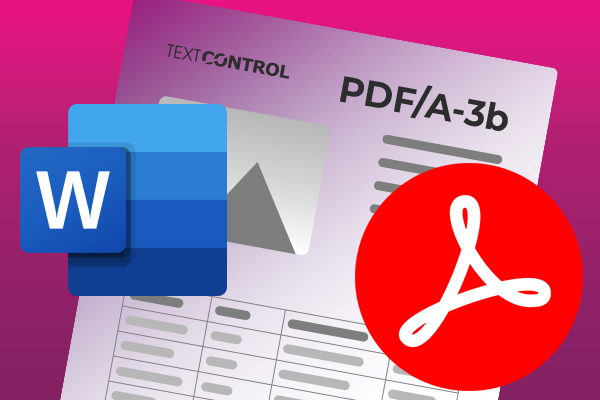
Convert DOCX to PDF, PDF/A and PDF/UA in C# Using TX Text Control
Learn how to convert Word DOCX documents to PDF in C# using TX Text Control .NET Server. This tutorial covers file-based and in-memory conversion, PDF/A export, document metadata, font deployment, and returning PDFs from ASP.NET Core.
ASP.NETASP.NET Core
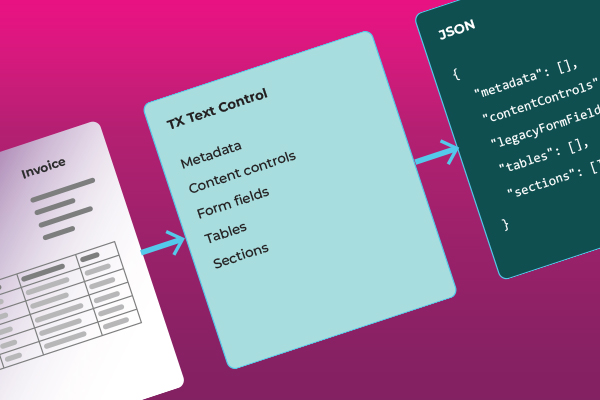
How to Extract Structured Data from Word Documents in C#
Learn how to extract tables, content controls, legacy form fields, and document metadata from Word documents with TX Text Control. This generic C# sample preserves the structure of documents and the values of fields in JSON without requiring template-specific mappings.
Features
Key features at a glanceAll features
Discover the key capabilities to seamlessly process and automate digital documents
Document editor
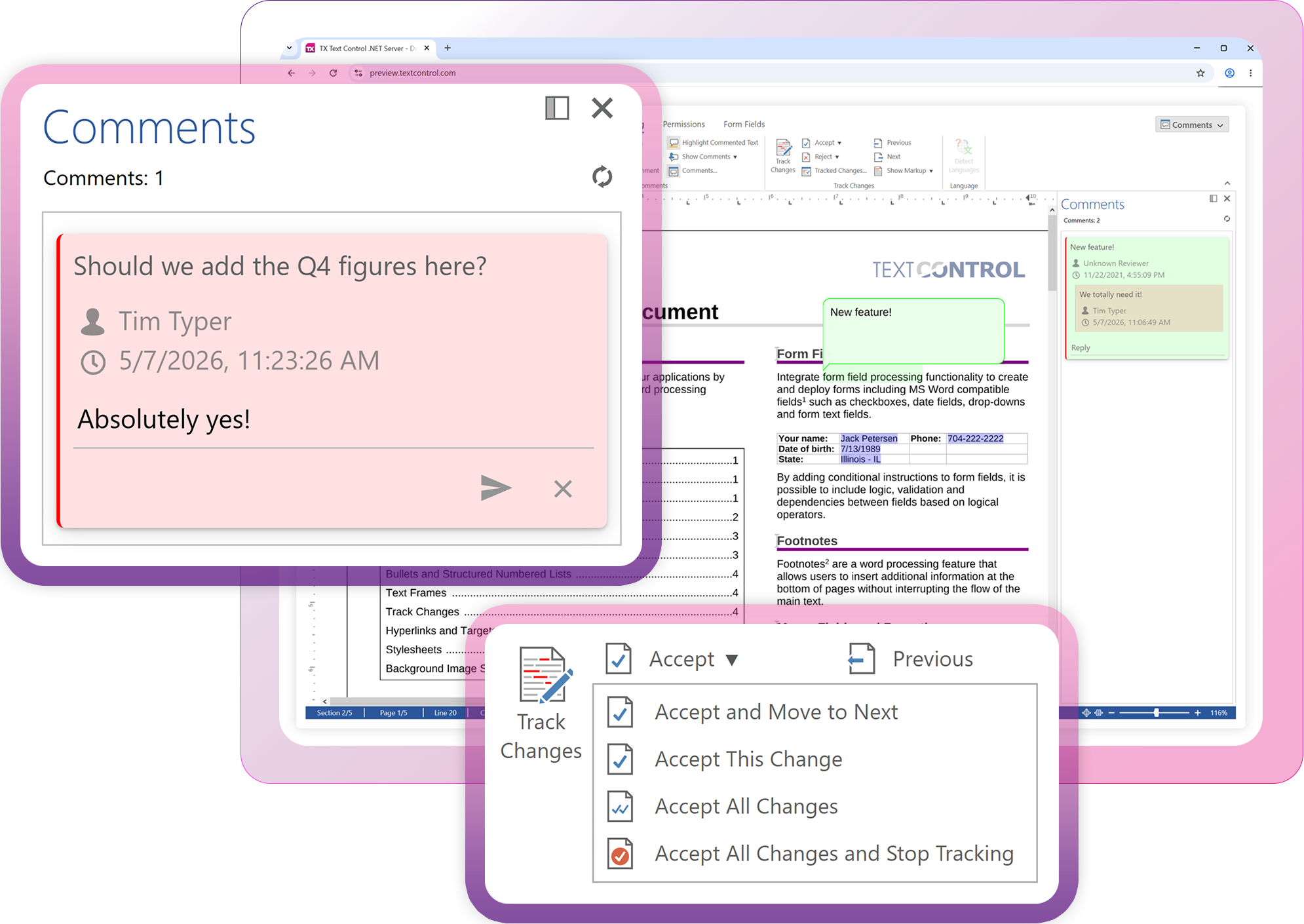
TX Text Control delivers MS Word-like editing in browsers. Built on modern browser technology, the document editor provides professional document editing with pixel-perfect rendering, Word-inspired UI, and a comprehensive JavaScript API for seamless integration.
Document viewer
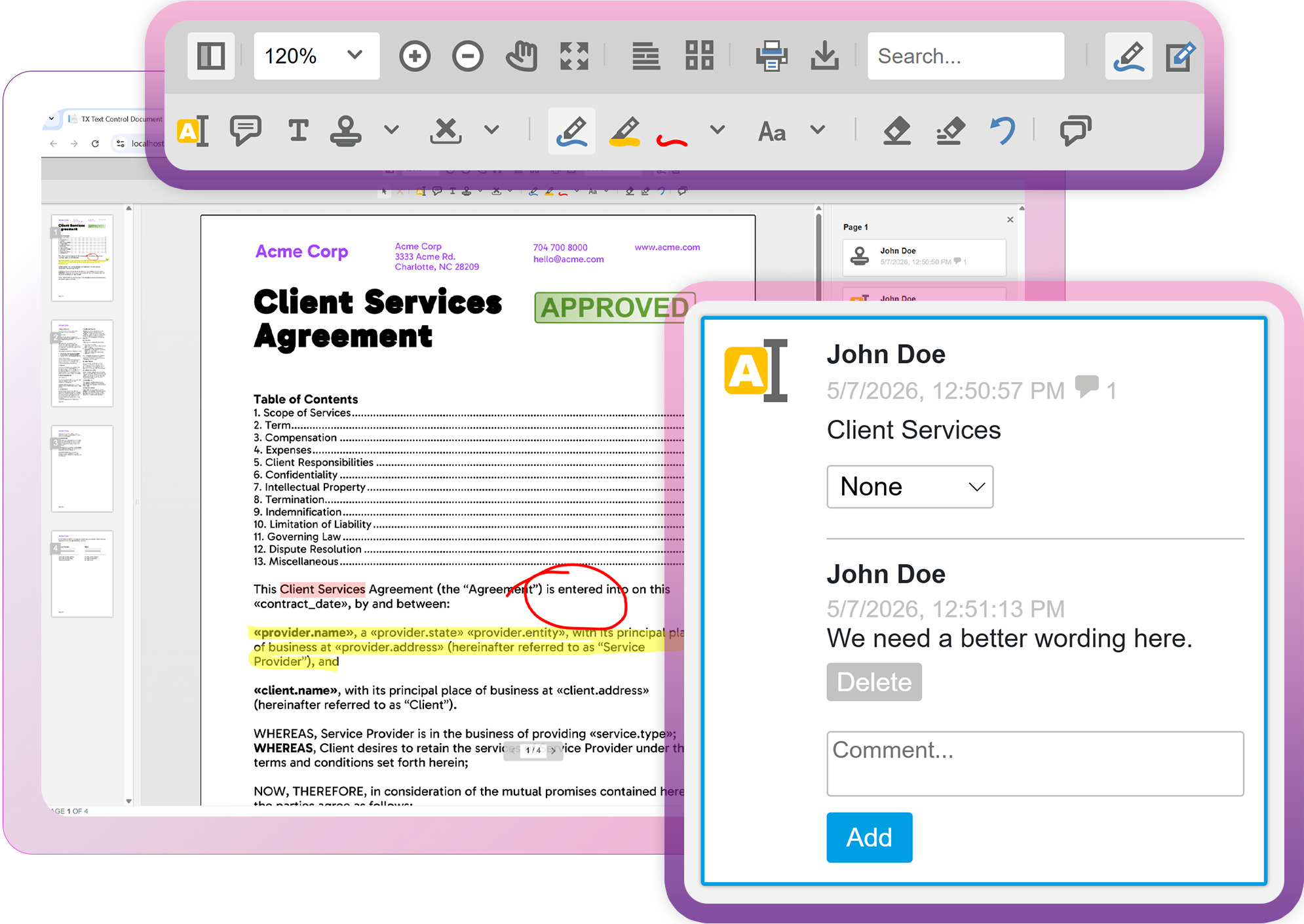
Document viewing and annotation solution. The lightweight document viewer enables users to view, annotate, and complete forms on any supported document type across all devices and browsers, with built-in collaboration tools.
AI Ready
Designed for developersDesigned for devs
Ready for AI

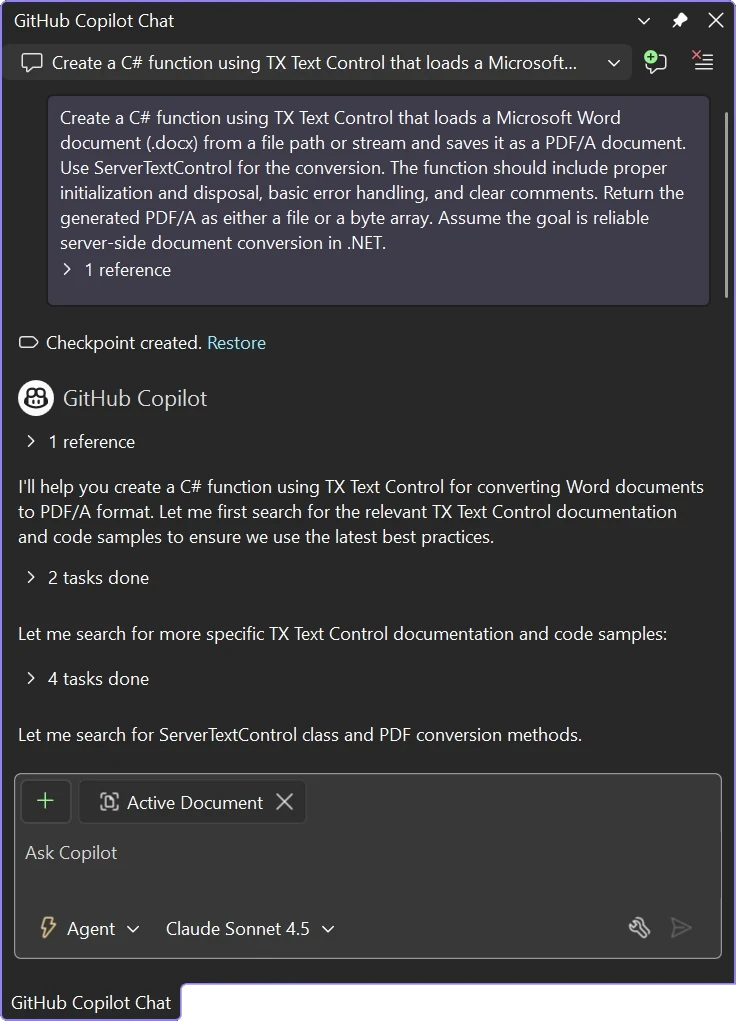
AI coding assistants like ChatGPT, Claude, GitHub Copilot, and OpenAI Codex, along with autonomous development agents, are now part of modern software development.
TX Text Control is built to integrate seamlessly with them.
Angular, React, ASP.NET Core, or JavaScript
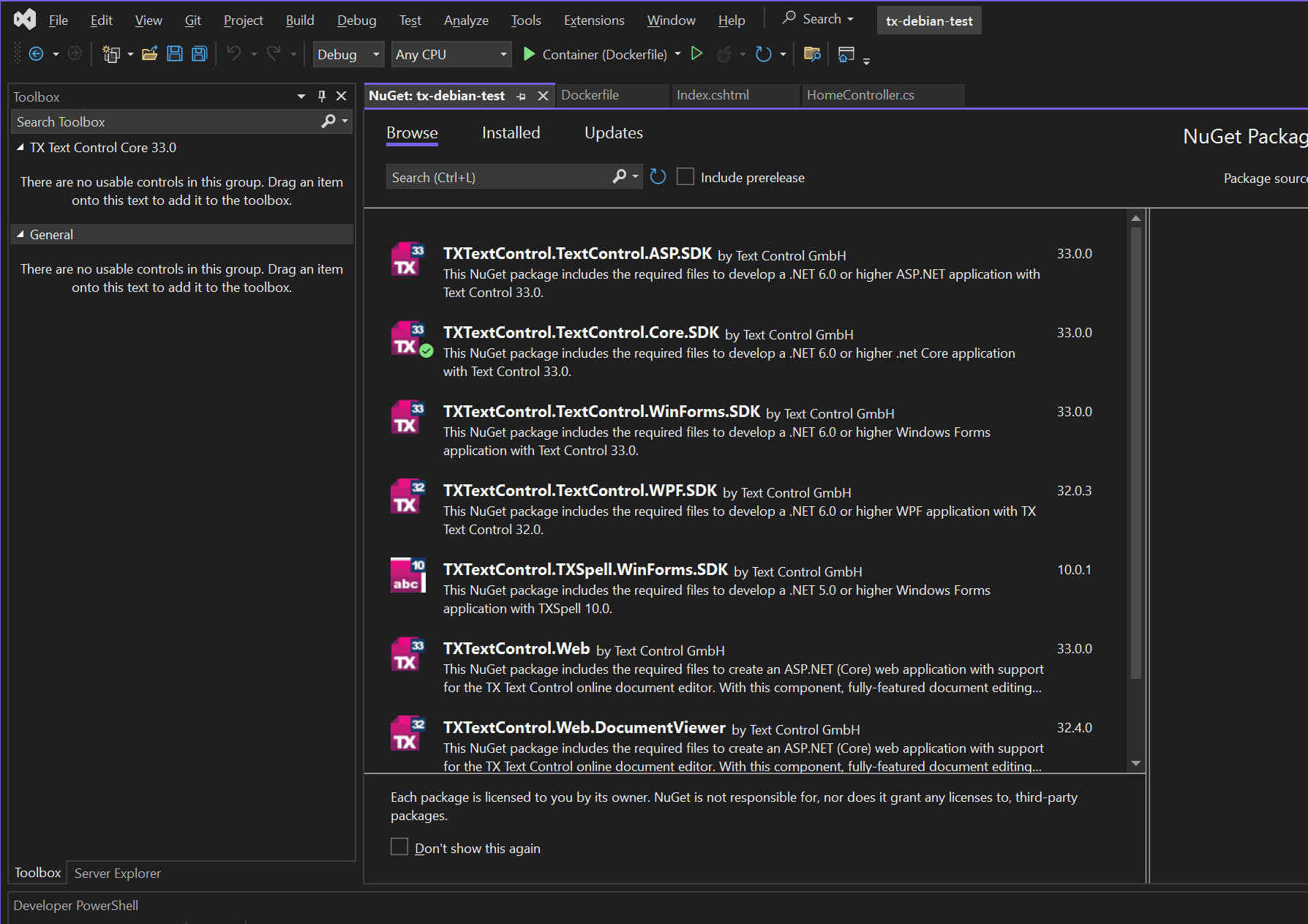
Effortlessly integrate with any frontend. Integrate TX Text Control with Angular, React, Blazor, ASP.NET Core, JavaScript, and more using production-ready NuGet and npm packages.

ASP.NET Core

Angular

Blazor

JavaScript

React
Reporting and mail merge
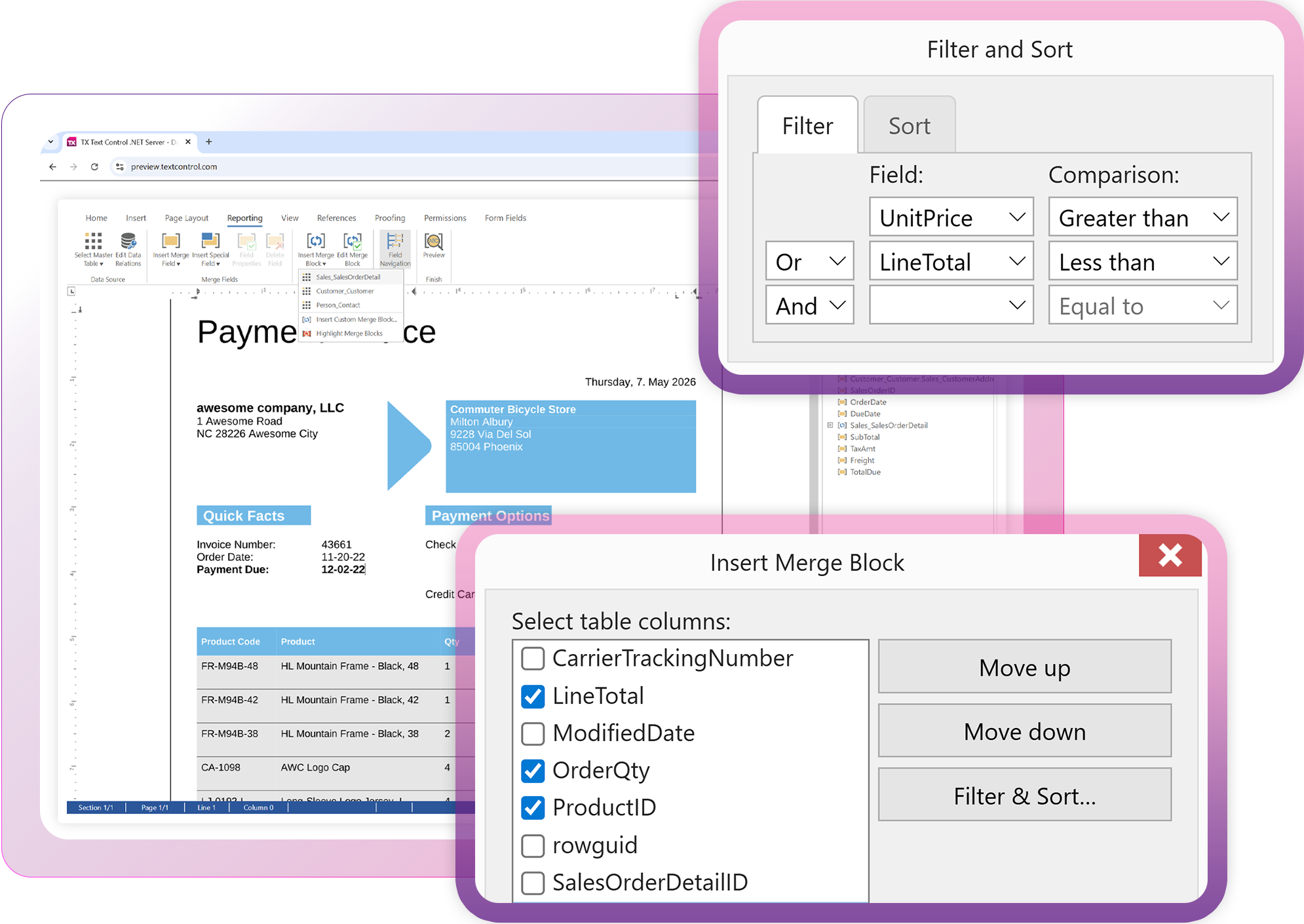
Integrated reporting and mail merge. Combines WYSIWYG word processing with reporting tools, supporting MS Word templates, JSON data sources, and advanced features like nested blocks and sub-reports.
Electronic signatures
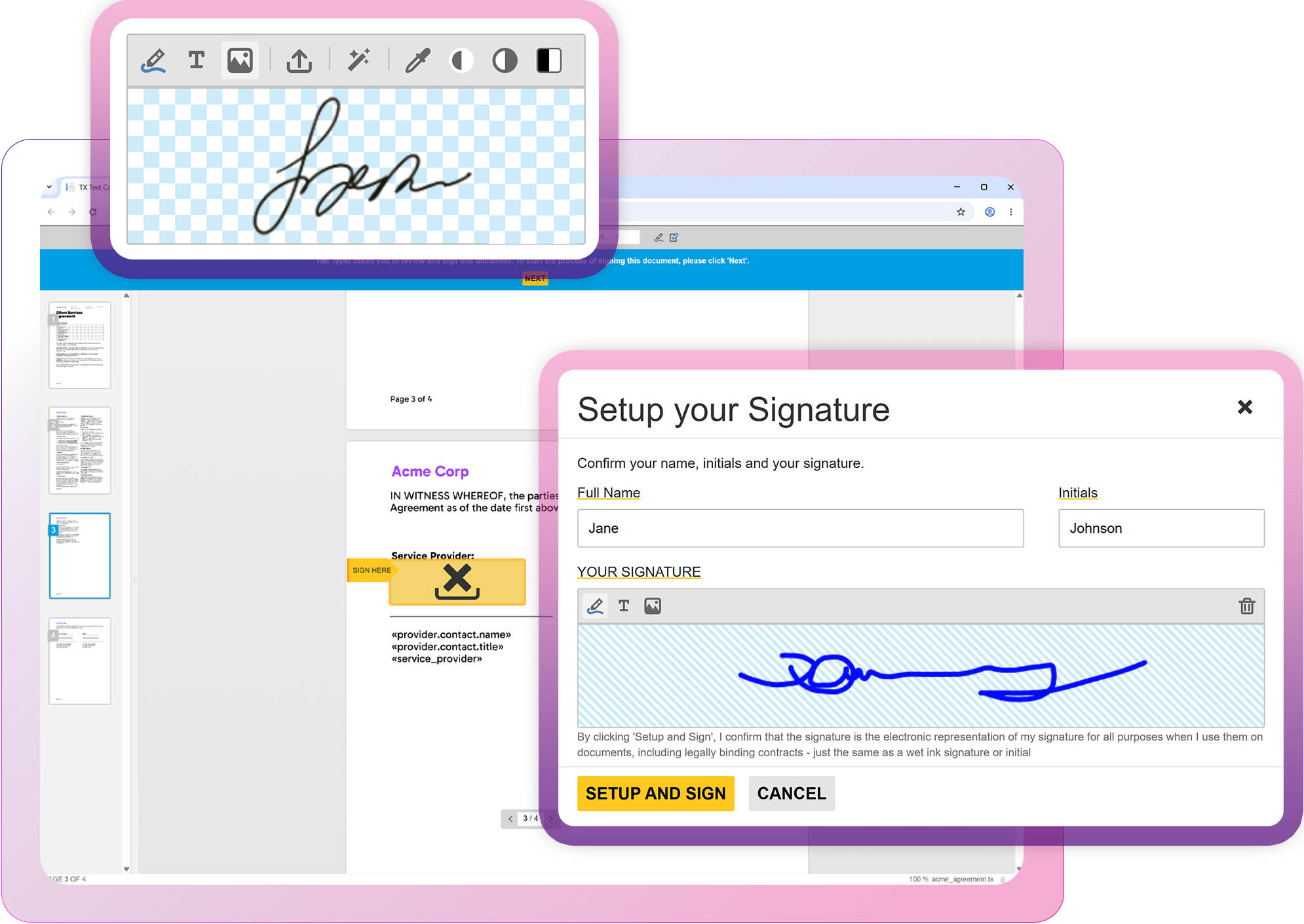
Secure electronic signature implementation. Integrate digital document processing with signature workflows, supporting Word-based signature requests and X.509 certificate-based PDF signing with on-premise, local storage.
Core technologies
Powering documents
Driving industries
Text Control powers smart document generation, advanced PDF processing, dynamic forms, and secure e-signatures for seamless digital workflows.


Trusted by leading enterprises worldwide






FAQ